
























Publicado: 18 de abril de 2018
Categoria: Technical Papers
Ir para o conteúdo
-
-
Fabricante 12
-
Distribuidor 2
-
Parceiro do Setor 5
-
Serviços para o Setor 5
- Todos os parceiros
-
Carrinho de compras
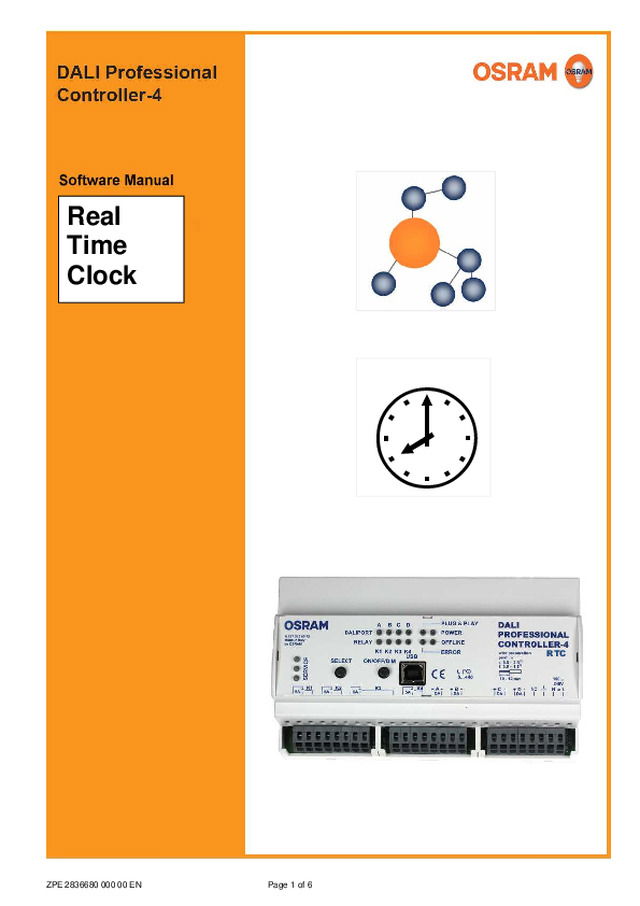

Software Manual DALI Pro. RTC (GB) (433.9 KB)
Baixe aqui
LEDVANCE
Software Manual DALI Pro. RTC (GB) (433.9 KB)
Publicado: 18 de abril de 2018 · Categoria: Technical Papers
Baixe aqui
Deste documento
Real Time Clock RTC ZPE 2836680 000 00 EN Page 1 of 6 Softwaremanual DALI PROFESSIONAL Controller Description of Application Program DALI PROFESSIONAL CONT-4 RTC Timer Supported Hardware The timer functionality will only be supported with following hardware: DALI PROFESSIONAL CONT-4 RTC ( EAN10: 4008321 710871) If the previous DALI PROFESSIONAL Hardware (EAN10: 4008321 478948) is used, a error message will be displayed when uploading a configuration containing timers. Configurations without timers still can be uploaded to the controller. Scheduler values Possible scheduler values are • Single Weekdays ( Mo,Tu,We,Th,Fr,Sa,Su ) • Daytime in hour / minute resolution. • National holidays are not supported The default value is Mo,Tu,We,Th,Fr at 08:00. Configuring the timer values The timers will be displayed in the tree under Units ZPE 2836680 000 00 EN Page 2 of 6 A new timer can be created by pressing the “+” icon and the add unit dialog. The starting time of the timer can be configured by selecting the timer and editing the values in the Properties / General dialog ZPE 2836680 000 00 EN Page 3 of 6 The values for the starting time can be edited directly in the field or in the time dialog by pressing the arrows The values for the weekdays can be edited directly in the field or in the weekday dialog by pressing the arrow Using the timer To use a timer it has to be added to a function (like a pushbutton or PIR..). The same timer can only be used once together with the same ballast...
Abrir o PDF