























Publicado: 18 de abril de 2018
Categoria: Technical Papers
Ir para o conteúdo
-
-
Fabricante 12
-
Distribuidor 2
-
Parceiro do Setor 5
-
Serviços para o Setor 5
- Todos os parceiros
-
Carrinho de compras

Touch Panel Designer - Manual do software (1.3 MB)
Baixe aqui
LEDVANCE
Touch Panel Designer - Manual do software (1.3 MB)
Publicado: 18 de abril de 2018 · Categoria: Technical Papers
Baixe aqui
Deste documento
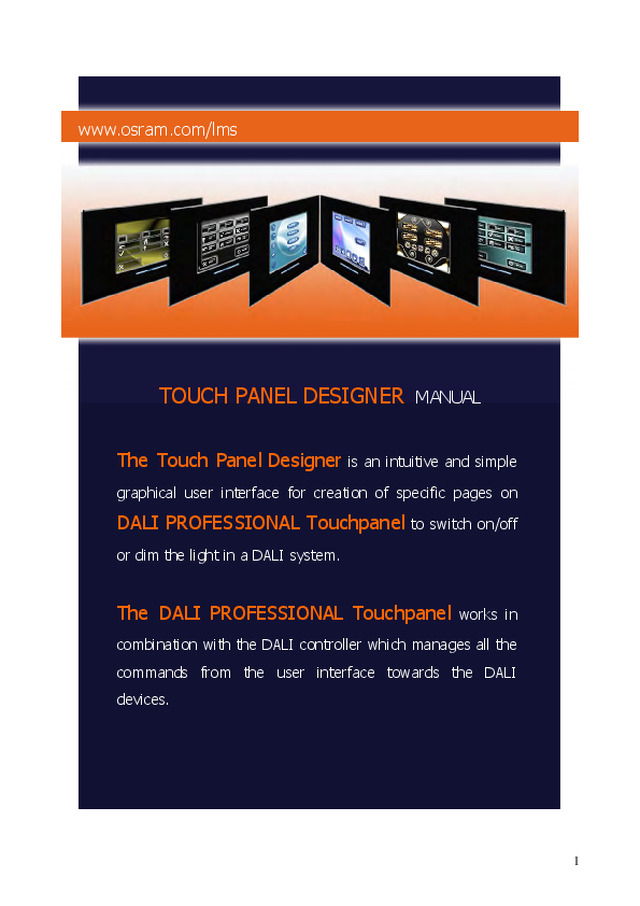
www.osram.com/lms TOUCH PANEL DESIGNER MANUAL The Touch Panel Designer is an intuitive and simple graphical user interface for creation of specific pages on DALI PROFESSIONAL Touchpanel to switch on/off or dim the light in a DALI system. The DALI PROFESSIONAL Touchpanel works in combination with the DALI controller which manages all the commands from the user interface towards the DALI devices. 1 Wall mounting To install the product please refer to the manual in the packaging, or download it from the our web site www.osram.com/lms Graphical interface The starting page of the software is simple and intuitive. As shown in the picture below, the area is divided into the menu bar and four windows: “Project Explorer”, “Designer”, ”Components” , “Properties” and “Pages”. 1. Menu: The menu contains commands to edit the pages of the Touch Panel. New Project: Creates a new project Open Project: Opens an existing project 2 Close Project: Closes the current project Save Project: Saves the current project Export Project: Export of current project Import Project: Import of project New Application: Creates a new application for the device Open Application: Opens an existing application for the device Close Application: Closes an application of the device Deploy Application: Compiles the current application and then deploys it on an USB key New Page: Creates a new page of the Application Device Delete Page: Deletes a page of the Application Device Themes: Example and Preselection of Screens...
Abrir o PDF